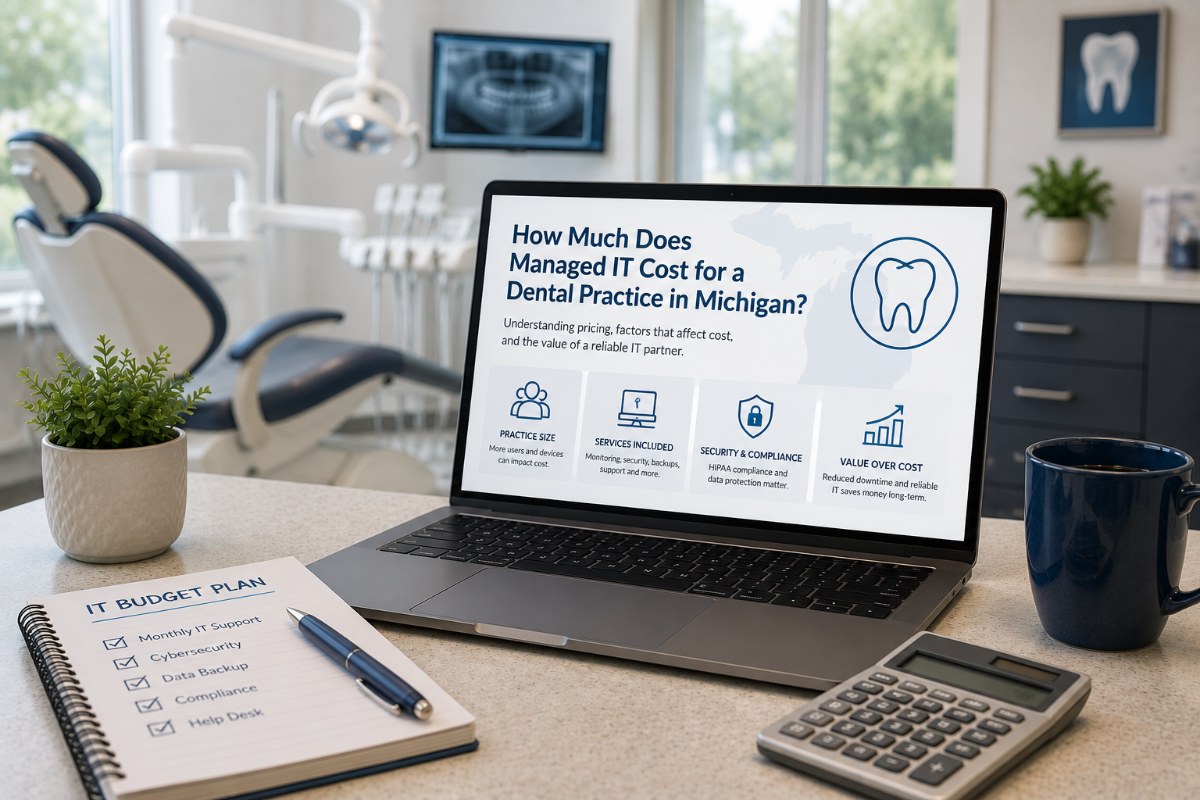
If you’re researching managed IT services for your dental practice, one of the first questions you probably have is, “How much should it cost?” The answer depends on your practice size, technology, cybersecurity needs, and support requirements. For most dental practices in Michigan, a 10-employee office typically invests between $900 and $1,900 per month, while a 20-employee practice generally ranges from $1,700 to $3,500 per month for comprehensive managed IT services. This guide explains what affects pricing, what should be included, and how to determine the right investment for your practice.
What Determines the Cost of Managed IT for a Dental Practice?
Managed IT pricing isn’t based on a single factor. Dental offices have unique technology requirements that influence the level of support they need. Here are the five biggest factors that impact your monthly investment.
1. Number of Employees and Workstations
The size of your team is one of the largest pricing factors.
A practice with ten employees generally has:
- 10–15 computers
- Multiple operatories
- A front desk workstation
- Imaging workstations
- Mobile devices
- Printers and scanners
As your practice grows, so do the number of devices that require monitoring, maintenance, and security.
2. Dental Software and Specialized Technology
Unlike many other businesses, dental offices rely on highly specialized software and equipment.
Examples include:
- Dentrix
- Open Dental
- Eaglesoft
- Digital X-ray systems
- Intraoral cameras
- CBCT imaging
- Practice management software
- Insurance clearinghouse integrations
Supporting these applications requires more than basic IT knowledge. Your provider should understand how these systems interact with your network and other technology to minimize disruptions to patient care.
3. Cybersecurity and HIPAA Requirements
Protecting patient information isn’t optional.
A modern managed IT plan should include multiple layers of security, such as:
- Endpoint protection
- Multi-factor authentication (MFA)
- Email security
- Microsoft 365 security management
- Security awareness training
- Patch management
- Backup monitoring
Strong cybersecurity reduces the risk of ransomware, data breaches, and costly downtime while helping your practice maintain compliance obligations.
4. Backup and Disaster Recovery
Many practices assume their backups are working until they need to restore lost data.
A comprehensive IT plan should include:
- Automated backups
- Cloud backup monitoring
- Disaster recovery planning
- Backup testing
- Microsoft 365 data protection
Regular testing is just as important as creating backups. A backup that can’t be restored provides little value during an emergency.
5. What’s Included in Your Managed IT Agreement?
Not every provider includes the same services.
Ask exactly what’s covered before comparing prices.
A comprehensive managed IT plan often includes:
- Unlimited help desk support
- Remote support
- Onsite service when needed
- 24/7 monitoring
- Patch management
- Vendor coordination
- Strategic IT planning
- Cybersecurity management
Lower-priced providers may charge extra for services that are included elsewhere, making an apples-to-apples comparison difficult.
What Is Typically Included in Managed IT Services?
Although every provider is different, a comprehensive managed IT agreement should include the services your practice depends on every day.
| Service | Why It Matters |
|---|---|
| Help Desk Support | Resolves issues quickly so your staff can stay productive. |
| 24/7 Monitoring | Detects problems before they affect patient care. |
| Cybersecurity Protection | Helps defend patient data against cyber threats. |
| Microsoft 365 Management | Keeps email and collaboration secure and reliable. |
| Backup Monitoring | Protects critical business and patient information. |
| Vendor Coordination | Works directly with software and hardware vendors to resolve issues. |
| Strategic IT Planning | Helps budget for technology upgrades and future growth. |
Why Dental Practices Have Different IT Needs
Dental offices depend on technology throughout every patient appointment.
When technology stops working, production often stops as well.
Unlike a typical office, dental practices frequently rely on:
- Practice management software
- Digital imaging systems
- Intraoral cameras
- Insurance verification systems
- HIPAA-compliant data storage
- Secure patient communications
- High-speed, reliable internet
- Cloud-based collaboration tools
Your IT provider should understand how these systems work together to keep your practice running efficiently.
How to Budget for Managed IT Services
Rather than focusing only on monthly cost, evaluate the overall value your IT provider delivers.
A simple planning framework includes:
Step 1: Understand Your Current Technology
Document your computers, servers, networking equipment, software, and security tools.
Step 2: Identify Business Risks
Look for aging hardware, unsupported software, cybersecurity gaps, and backup concerns.
Step 3: Consider the Cost of Downtime
Even a few hours of unexpected downtime can disrupt appointments, delay treatment, and create frustration for patients and staff.
Step 4: Compare Value, Not Just Price
The least expensive provider isn’t always the best investment. Compare response times, included services, cybersecurity, strategic planning, and client satisfaction.
Step 5: Build a Long-Term Technology Plan
Technology should support your business goals. A proactive roadmap helps reduce unexpected expenses while planning for future growth.
A Real-World Example
A Lower Michigan dental practice with approximately 12 employees struggled with recurring technology issues and inconsistent support from its previous IT provider. Staff frequently experienced delays resolving problems that affected daily operations.
After partnering with IT Now Technology, the practice gained proactive monitoring, faster response times, and improved visibility into its technology environment. Rather than reacting to issues after they occurred, many problems were identified and addressed before they disrupted patient care.
Note: As more dental-specific case studies become available, this section should be updated with measurable results such as reduced downtime, faster issue resolution, or improved cybersecurity outcomes.
Why Dental Practices Choose IT Now Technology
Choosing the right IT partner involves more than comparing monthly prices.
Dental practices throughout Lower Michigan work with IT Now Technology because we focus on reliability, responsiveness, and proactive support.
Our approach includes:
- Average technician response time of 3.5 minutes
- 24/7 proactive monitoring
- Plain-English communication—no confusing technical jargon
- Customized IT strategies for each practice
- Local support throughout Lower Michigan
- 100% Satisfaction Guarantee
Our goal is simple: keep your technology running so your team can focus on delivering exceptional patient care.
Frequently Asked Questions
Is managed IT worth the investment for a small dental practice?
For many practices, proactive IT support helps reduce downtime, improve cybersecurity, and provide predictable monthly technology costs.
Why do prices vary so much?
Pricing depends on several factors, including the number of employees, devices, software, cybersecurity requirements, and the level of support included.
Can I keep my existing computers?
Often, yes. During an IT assessment, your provider should evaluate whether your current equipment can continue to meet your practice’s needs or if upgrades should be planned over time.
Final Thoughts
Managed IT services should be viewed as an investment in your practice’s productivity, security, and long-term growth—not simply another monthly expense.
While most 10-person dental practices invest between $900 and $1,900 per month, and 20-person practices typically spend between $1,700 and $3,500 per month, the right solution depends on your unique environment and business goals.
If you’re evaluating IT providers for your dental practice, start by understanding what’s included, asking the right questions, and choosing a partner that takes a proactive approach to keeping your technology—and your practice—running smoothly.
If you’d like a customized technology assessment and pricing recommendation for your practice, IT Now Technology can help you build a plan tailored to your needs.